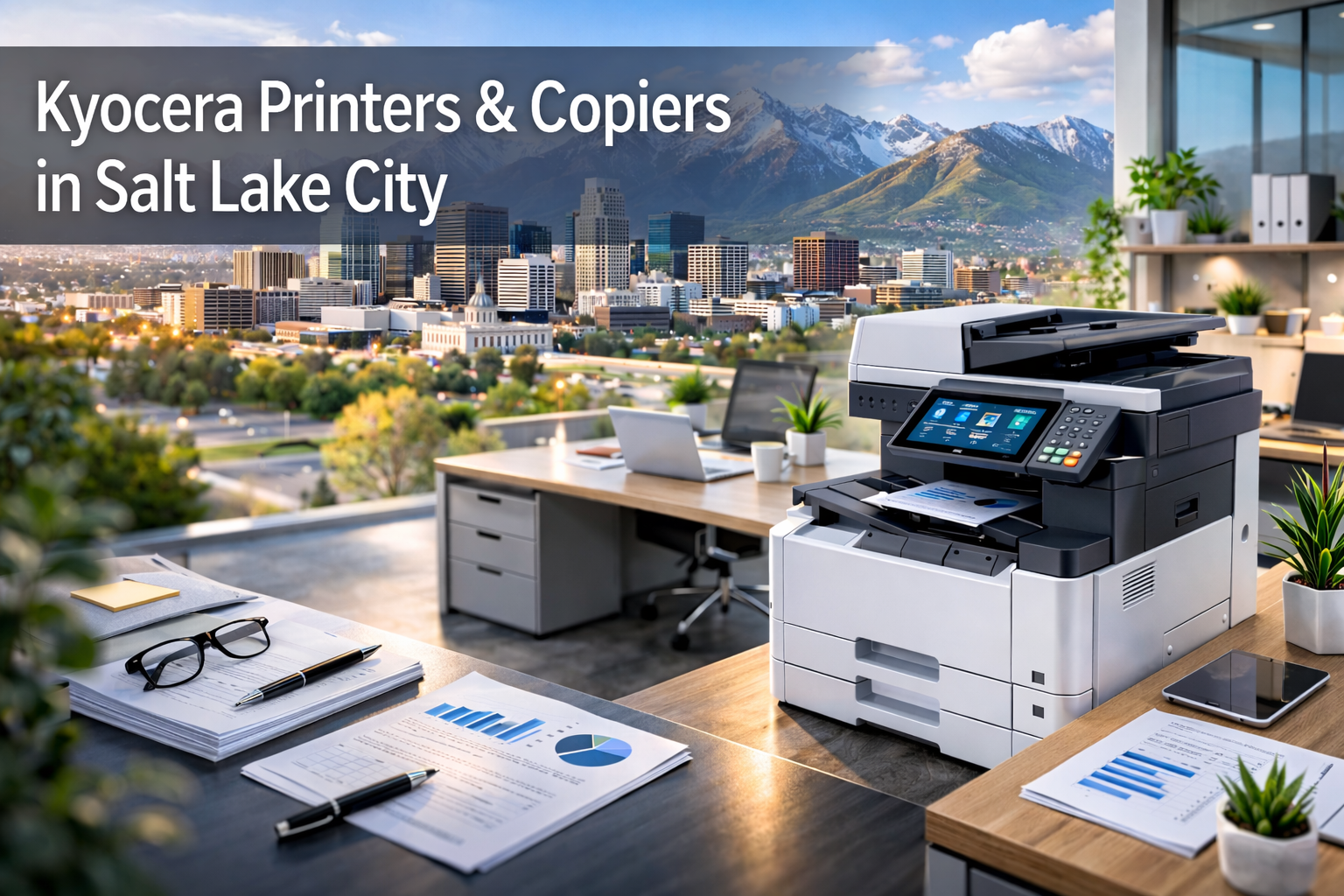
If you’re shopping for a Kyocera printer or copier in the Salt Lake City metro area, you’re not just buying a box that makes paper come out. You’re making a decision that affects your IT workload, your security posture, your monthly operating costs, and how smoothly your team works day to day. That’s why the best Kyocera device for you isn’t “whatever is on sale.” It’s the one that matches how your business prints, scans, stores, and shares information—backed by local service and supplies so it never becomes a headache.
When you work with Associated Business Technologies, you get Kyocera devices that are sized for your actual volume and workflow, plus the toner supplies and service support that keep your fleet running reliably across the greater Salt Lake metro area—from downtown Salt Lake to Sandy, West Valley, Murray, Draper, South Jordan, and beyond.
This guide helps you choose between Kyocera’s most common business device families—TASKalfa and ECOSYS—and shows you what to look for if your goal is better uptime, better security, and better total cost of ownership.
Why Kyocera is a smart choice when you care about uptime and long-term cost
Kyocera has built a reputation in business environments for reliability and cost control, especially when your devices are configured correctly and supported locally. That matters because print environments fail in predictable ways:
- You oversize devices (and pay for capacity you don’t use)
- You undersize devices (and they break, jam, or become bottlenecks)
- You mix too many models, drivers, and consumables (and IT suffers)
- You ignore security settings (and your copier becomes a weak point)
- You treat toner and service as afterthoughts (and downtime spikes)
The Kyocera approach works best when you align the device type to your work style, then standardize where it makes sense. You reduce friction for users, reduce support complexity for IT, and reduce surprises for accounting.
Start with your workflow: how your office actually uses print
Before you pick a model, you need to understand your usage pattern. Here are the questions that most accurately predict which Kyocera family is right for you:
1) How many people share the device?
- A device shared by 3–10 users has different needs than a device shared by 25–75 users.
- Shared devices need faster throughput and stronger durability, especially if scanning is constant.
2) Is scanning as important as printing?
- If you scan contracts, invoices, HR packets, shipping documents, or medical forms daily, you need a copier that handles scanning cleanly and consistently.
3) What is your real monthly volume?
- If you don’t know, you’re not alone. The best move is to estimate by department and then validate via a print assessment. Volume determines not only speed requirements but also maintenance cycles and long-term cost.
4) Do you need finishing?
- Booklets, stapling, hole punching, folding, and multi-set collation change the class of device you need.
5) How sensitive are your documents?
- If your office handles client data, financial records, HR files, legal documents, or healthcare information, security features move from “nice-to-have” to “must-have.”
Once you have those answers, choosing between TASKalfa and ECOSYS becomes much easier.
Kyocera TASKalfa vs. ECOSYS: how you choose the right family
Kyocera’s device lineup is often grouped into two major families you’ll see in business environments:
Kyocera TASKalfa: built for shared, high-activity offices
You choose TASKalfa when your device is a true “hub” for a department or floor. If multiple teams depend on one machine all day, TASKalfa is typically the right fit.
TASKalfa is ideal when:
- Your device is shared by a larger group
- Your office runs on scanning and copy workflows
- You need finishing options (staple, hole punch, booklet)
- You want a control panel experience that supports workflow apps and consistent user authentication
Common TASKalfa use cases in Salt Lake City offices:
- Law firms with constant scan-to-matter workflows
- Healthcare admin teams scanning intake and insurance forms
- Construction and AEC teams printing plan sets and scanning change orders
- Property management printing and scanning lease packages
- Education admin offices with high copy volume and secure print needs
If your device is mission critical, TASKalfa is often the safest bet.
Kyocera ECOSYS: built for cost-efficient, distributed printing
You choose ECOSYS when you want reliable business printing and strong cost control—especially in environments where you have multiple devices distributed across teams or locations.
ECOSYS is ideal when:
- You want consistent performance without overspending
- You’re placing devices in workgroups, pods, or satellite offices
- You want simpler maintenance and predictable consumables
- You’re standardizing on a model line that’s easy to support
Common ECOSYS use cases across the Wasatch Front:
- Accounting teams with steady black-and-white volume
- Operations teams printing shipping and receiving documents
- Professional services teams printing proposals and internal reports
- Mixed environments where each department needs its own device
ECOSYS is often the best option when you want dependable output and lower waste over time, especially when paired with a thoughtful fleet strategy.
The Kyocera device checklist that protects you from a bad fit
When you’re comparing models, you’ll see a lot of specs. The problem is that specs don’t always translate into “this will work for your office.”
Use this checklist instead. It focuses on what actually impacts day-to-day performance and cost.
Speed (ppm) matters—but only when it matches your peak demand
If you print in bursts—Monday morning packets, month-end reports, weekly billing—peak demand is more important than average volume. You don’t want a device that technically meets your monthly number but can’t keep up when everyone hits print at the same time.
Paper handling matters more than you expect
A device that forces people to manually feed specialty paper becomes a bottleneck. If you print letterhead, envelopes, labels, or different paper weights, you want proper tray configuration and bypass options that your team will actually use.
Duplex and scan features can make or break productivity
If your team scans daily:
- You want fast duplex scanning
- You want scan destinations that match your workflow (folders, email, cloud)
- You want consistent file naming so documents don’t vanish into random directories
Finishing options matter if you produce client-facing packets
If you deliver proposals, training packets, onboarding materials, or board meeting sets, finishing can save hours. It also prevents “we printed it wrong” mistakes that cause reprints and delays.
You don’t just need a copier—you need a secure print environment
Kyocera devices can be a strong foundation for security, but you only get the benefit when you configure and manage the environment correctly.
Here’s what you should plan for if you care about security and compliance:
Secure print release: stop documents from sitting on the tray
If your team prints sensitive material, you don’t want it sitting out where anyone can see it. Secure print release keeps jobs held until the user authenticates at the device. That single change reduces accidental exposure and “walk-by” document leaks in busy offices.
User authentication: make the copier part of your access control strategy
Instead of treating your device like a public kiosk, you control who can print, scan, and copy. You can also track usage by department or individual, which helps with billing allocation and cost control.
Device policies: control color, duplex, and routing automatically
Most print overspending isn’t malicious—it’s defaults. If color is the default, people will print color. If simplex is the default, they’ll print single-sided. The best print environments use policies to create sane defaults automatically.
What “managed print” looks like when it’s done right in Utah offices
A lot of businesses think managed print is just “a contract.” But the value is in the management, not the paperwork.
When your environment is managed correctly, you get:
- Proactive service and monitoring (less surprise downtime)
- Consolidated supplies and toner planning (no panic ordering)
- Standardization across models where it makes sense (less IT complexity)
- Fleet optimization (right-size devices based on real usage)
- Clear reporting so you can control cost without constant policing
If your goal is to keep your team productive, managed print isn’t an extra—it’s the system that keeps the devices from turning into chaos.
How you choose the right Kyocera configuration for common Salt Lake City industries
You can apply the same strategy across industries, but the “right” device mix changes depending on how you work.
Legal offices
You typically need:
- High-speed duplex scanning
- Secure print release
- Reliable, shared devices with finishing for court packets and client binders
A TASKalfa-focused strategy usually fits best, with ECOSYS devices for smaller offices or satellite locations.
Healthcare administration
You typically need:
- Secure workflows and authentication
- Fast scanning with consistent file naming
- Reliable uptime and fast response service
You’ll often use a TASKalfa hub for admin, plus ECOSYS devices for distributed departments.
Construction, engineering, and property management
You typically need:
- Large document handling and consistent printing
- Scanning of change orders, invoices, and contracts
- Reliable service because delays cost real money
A balanced strategy works well: TASKalfa where throughput is critical, ECOSYS where steady printing dominates.
Education and municipal offices
You typically need:
- Predictable cost controls (budgets matter)
- Durable devices that handle bursts
- Security policies to protect sensitive information
A mix of TASKalfa hubs and ECOSYS workgroup devices usually delivers the best control and coverage.
The #1 mistake businesses make when buying Kyocera devices: treating service and supplies as separate
Even the best device becomes a problem if you don’t have:
- Fast local service response
- A plan for consumables and toner replenishment
- Fleet monitoring that catches issues early
- A consistent configuration approach that users understand
That’s where Associated Business Technologies changes the experience. You’re not trying to DIY a print environment while juggling vendors. You get the device, the supplies, and the support in one place.
How you get the best Kyocera results: a simple, practical rollout plan
If you want this to be easy, don’t start with model numbers. Start with outcomes:
- You identify your top two priorities
- Cost control, security, scanning productivity, uptime, or reducing IT load
- You right-size by department
- High-activity hubs vs. distributed printing
- You standardize intelligently
- Fewer models where it makes sense, but not at the expense of fit
- You configure for real workflows
- Scan destinations, finishing defaults, duplex settings, security policies
- You lock in service and supplies
- So the system stays stable after installation
This approach makes your print environment predictable instead of reactive.
FAQs: Kyocera devices in the Salt Lake metro area
Should you choose TASKalfa or ECOSYS?
You choose TASKalfa when you need a shared department hub with heavy scanning and optional finishing. You choose ECOSYS when you want distributed, cost-efficient printing and standardized reliability across teams.
Can you reduce print costs without making people angry?
Yes. You do it by setting smart defaults (duplex, black-and-white, job routing) and using usage reporting to guide decisions. Most savings comes from policy and fleet right-sizing—not from telling people “don’t print.”
Do you need secure print release?
If your office prints anything sensitive—HR, financials, legal documents, healthcare info—you should assume yes. Secure release is one of the fastest ways to reduce risk with minimal disruption.
How do you avoid downtime?
You avoid downtime by pairing the right device class to your workload, standardizing consumables where possible, and using local service support that can respond quickly and proactively.
Your next step: match the right Kyocera device to your workflow—and keep it running
If you’re ready to improve uptime, tighten security, and control print costs in Salt Lake City, you don’t need to guess your way through a catalog. You need a Kyocera device strategy that fits how your team actually works—and a local partner who supports the entire lifecycle.
When you work with Associated Business Technologies, you get:
- Kyocera devices sized for your real needs (TASKalfa or ECOSYS)
- A practical plan for security, scanning, and user experience
- Local service and toner supplies that keep your fleet reliable
If you want to make this simple, your best move is to request a quick print assessment. You’ll see what you’re spending today, where downtime and waste are coming from, and which Kyocera configuration will deliver the best results for your business across the Salt Lake metro area.
Talk to Associated Business Technologies to schedule your Kyocera assessment and get a device recommendation that actually matches your workflow.